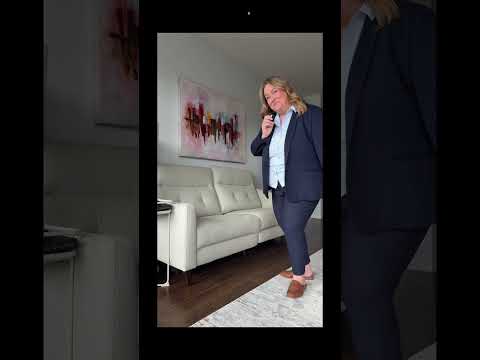
Have you seen those videos where someone appears to be having a conversation with another version of themselves and wondered how they made it?
You don’t need two cameras or complicated editing software. You can create the whole effect with your phone, a tripod, and CapCut.
The part that can feel confusing isn’t just putting two videos beside each other. You need to record the clips in a way that makes the finished conversation look natural. That means keeping your camera in exactly the same position, leaving room for your “other self,” and giving each version of you time to talk and listen.
How to make a split screen video in CapCut
In this video, I’ll show you how to make a split screen video in CapCut where it looks like you’re talking to yourself.
You’ll see how I record both sides of the conversation first, including how I position myself and time the pauses. Then I’ll take those clips into CapCut and show you how to layer them together using an overlay and the Mask tool. That’s what creates the effect of both versions of you appearing in the same shot.
If you’ve wanted to try this Reel or video style but assumed the editing would be too complicated, watch the tutorial before you start recording. Seeing how the clips need to be filmed first will make the CapCut part much easier.